Welcome!
During this course we will learn to make game levels and environments using the Unity game engine that players can explore. Along the way. we will add props, VFX and environment animations.
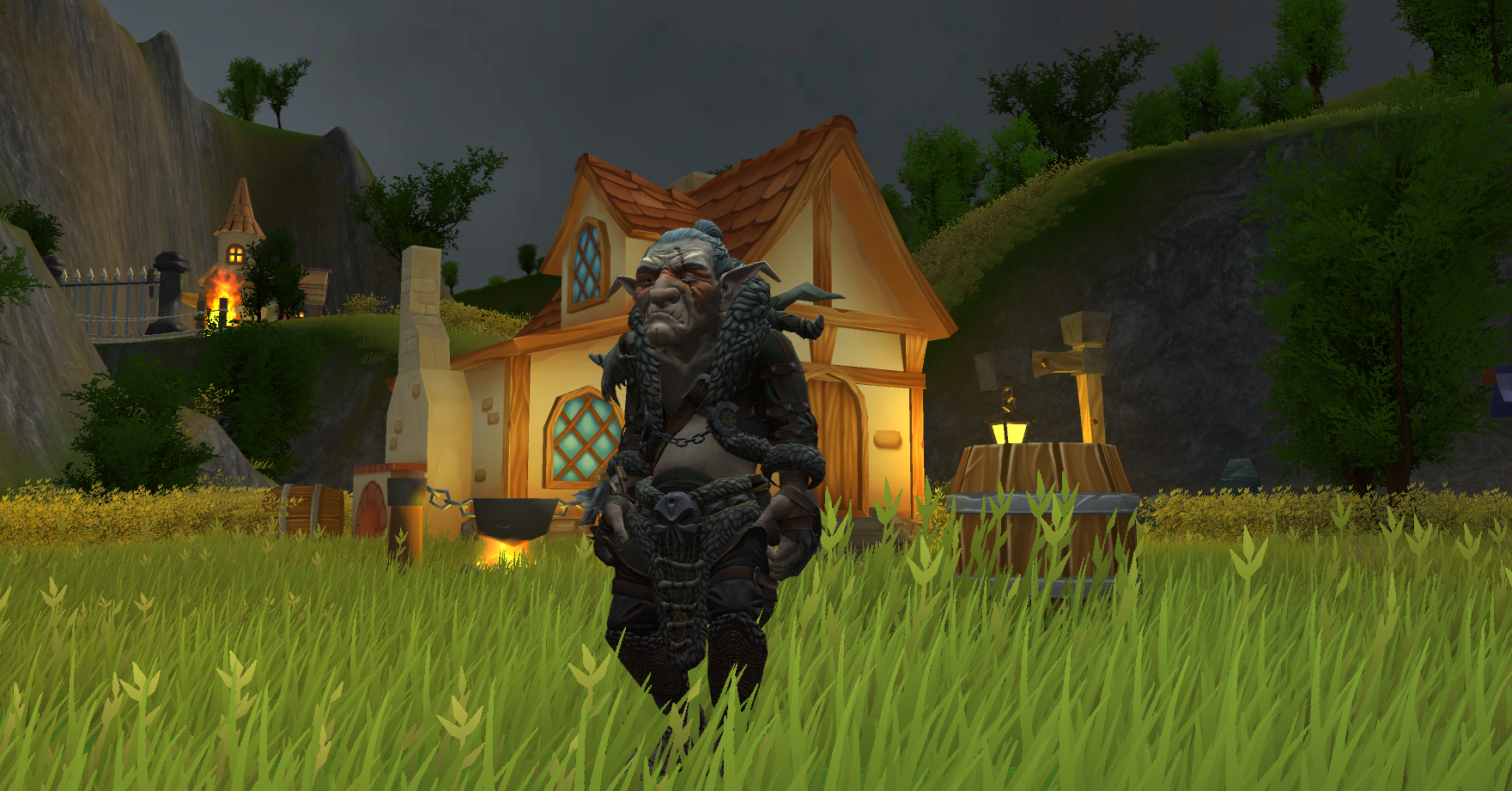
Below is a breakdown of our week. The files you need for the course are included, listed by day:
Day 1:
On Day 1 we learn how Unity can be used to create virtual worlds. We will create terrain and paint them, creating mountains, vallleys and paths. We will also be downloading files from the Unity Asset Store and learning to integrate them into our level.
Below is a PDF of Day 1’s PowerPoint:
Unity Day 1 PowerPoint.zip
The PowerPoint includes links to tutorial videos and asset store items that may be useful in today’s exercises.
BONUS:
Below is a zip file containing some sample terrain textres to paint the landscape with:
Sample Terrain Textures.zip
Day 2:
On Day 2 we will concentrate on props. We look at how they are created and how to use them in a scene.
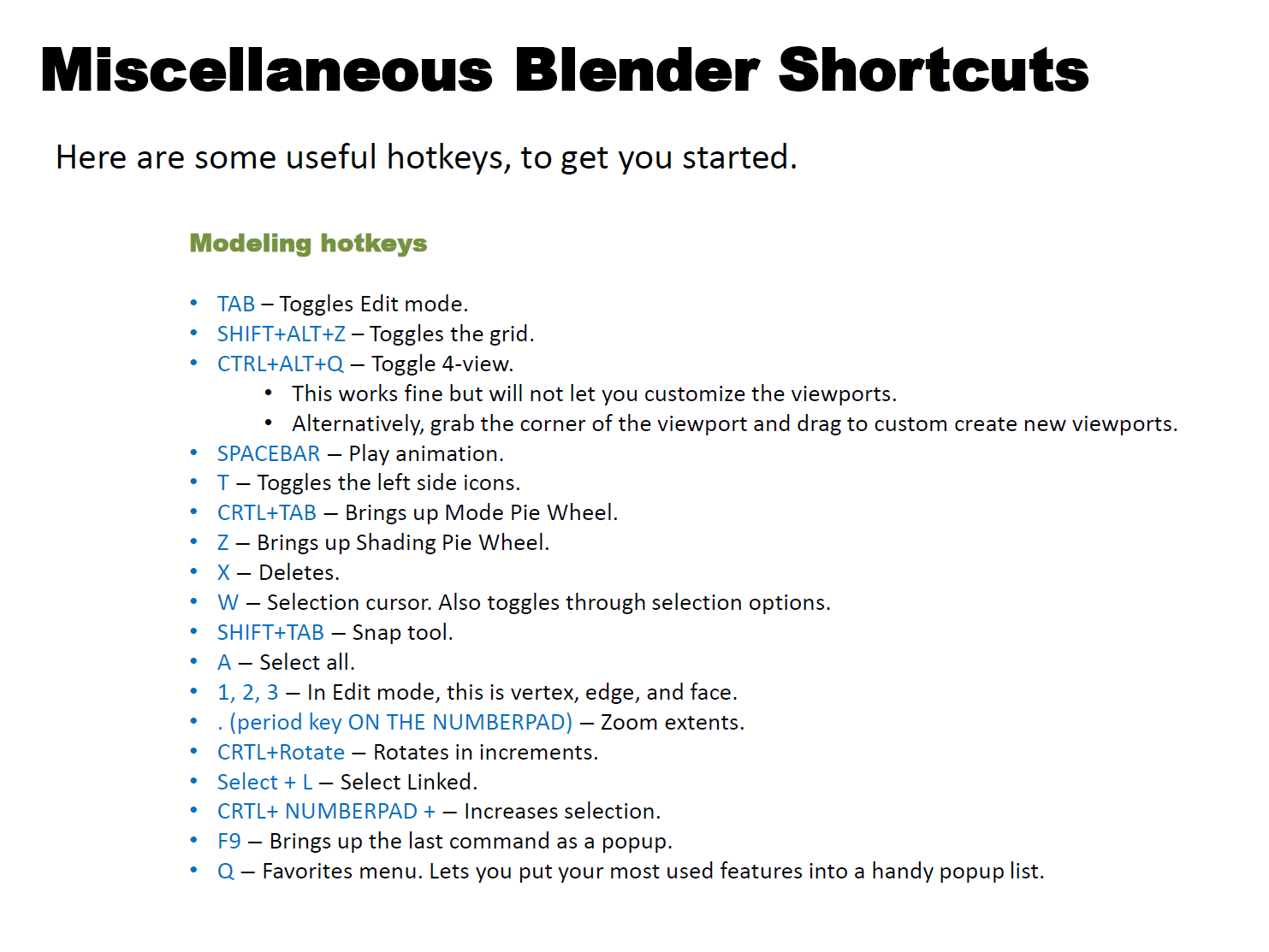
We’ll be dabbling in Blender for our 3D work, so here’s a quick cheat sheet to useful Blender hotkeys. I will update it as needed throughout the week.
Day 3:
On Day 3 we start our Big Level (if we haven’t started it already). We’ll check out Mixamo, and find out how to use those characters in the game.
Day 4:
On Day 4 we will make VFX! Fire, rain, snow, fog, lanterns, fireflies — we’ll use VFX to add life and depth.
Below is a zip file with some textures and materials for various effects:
VFX materials.zip
Day 5:
Day 5 is our final day! We’ll talk about video game art best practices and finish up our game. Then we’ll create a build of the game, so anyone can play it!
 Eric Piccione